Example of A Closure Error in React
2024-03-24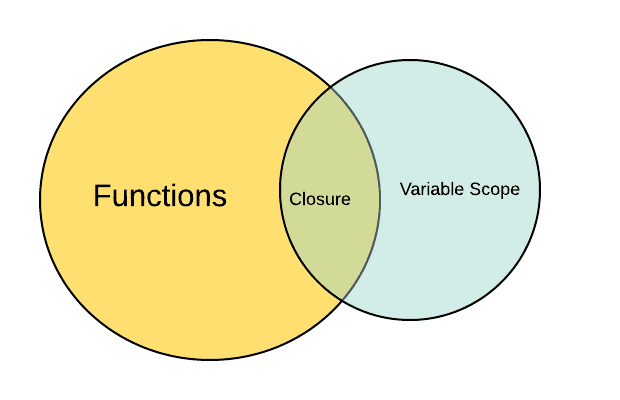
While working on a quantity component for a e-commerce webpage, I faced an issue that if I try to increment of decrement items too fast it would only work once. I found the reason for this type of behaviour and makes a lot of sense when you get to know it. Let's break it down.
Creating the error
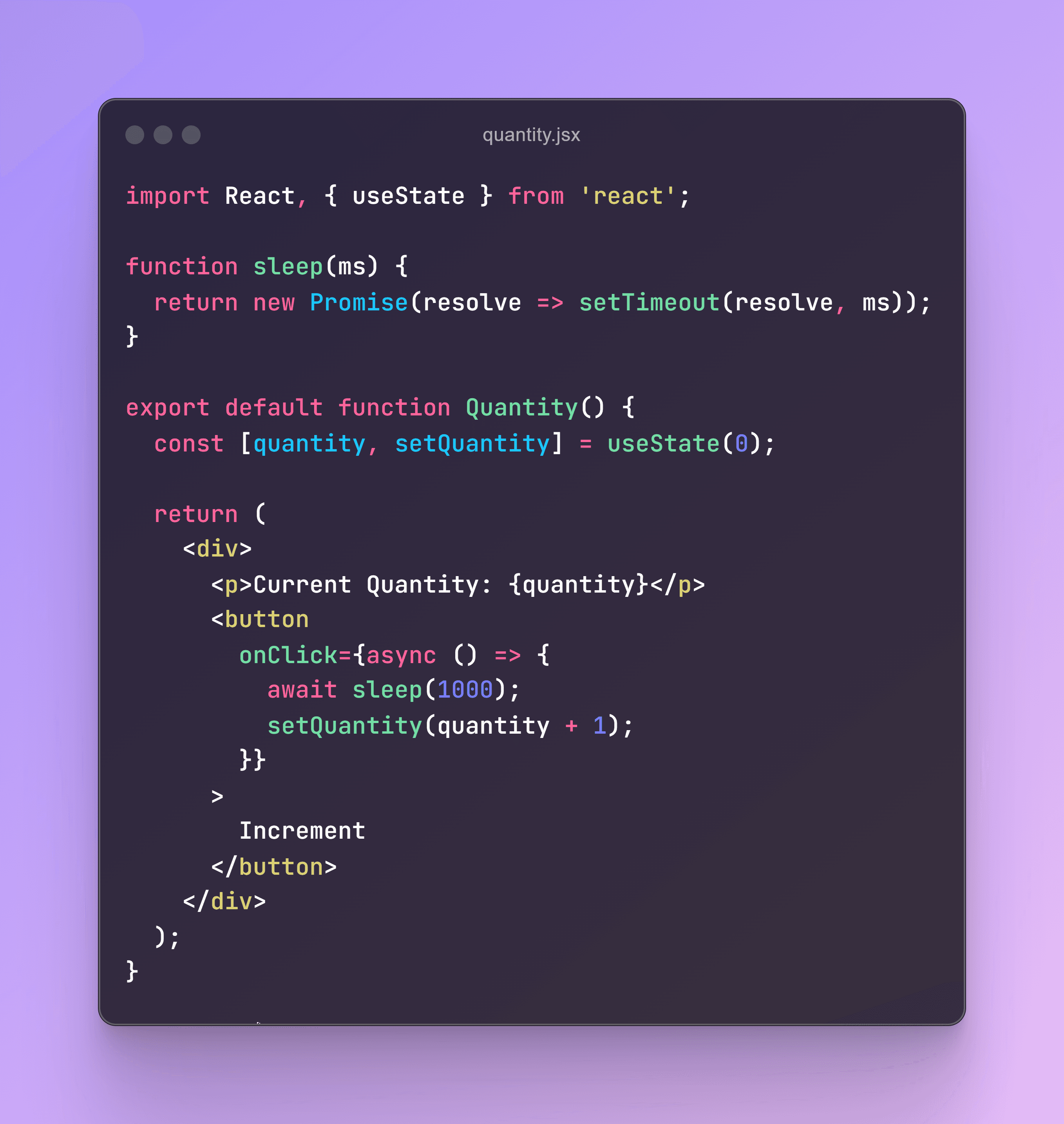
Here if you focus on the setQuantity function binded with onClick then you'll notice the set function dependes on the quantity variable. What ever the value of this quantity variable is it will just add 1 to this. This happened for a concept known as Closure
Closure
A closure in JavaScript refers to the combination of a function and the environment in which it was created. More specifically, a closure allows a function to access variables from an outer function's scope, even after the outer function has finished executing. This concept provides powerful capabilities in JavaScript, particularly for managing state, creating private variables, and handling asynchronous code.
How Closures Work
In JavaScript, functions are first-class citizens, meaning they can be treated like variables, passed around, or returned from other functions. When a function is created, it retains a reference to the variables in its outer scope. Even when the outer function has finished running, the inner function that references these variables still remembers their values. This memory of the surrounding state is what we call a closure.
Solution
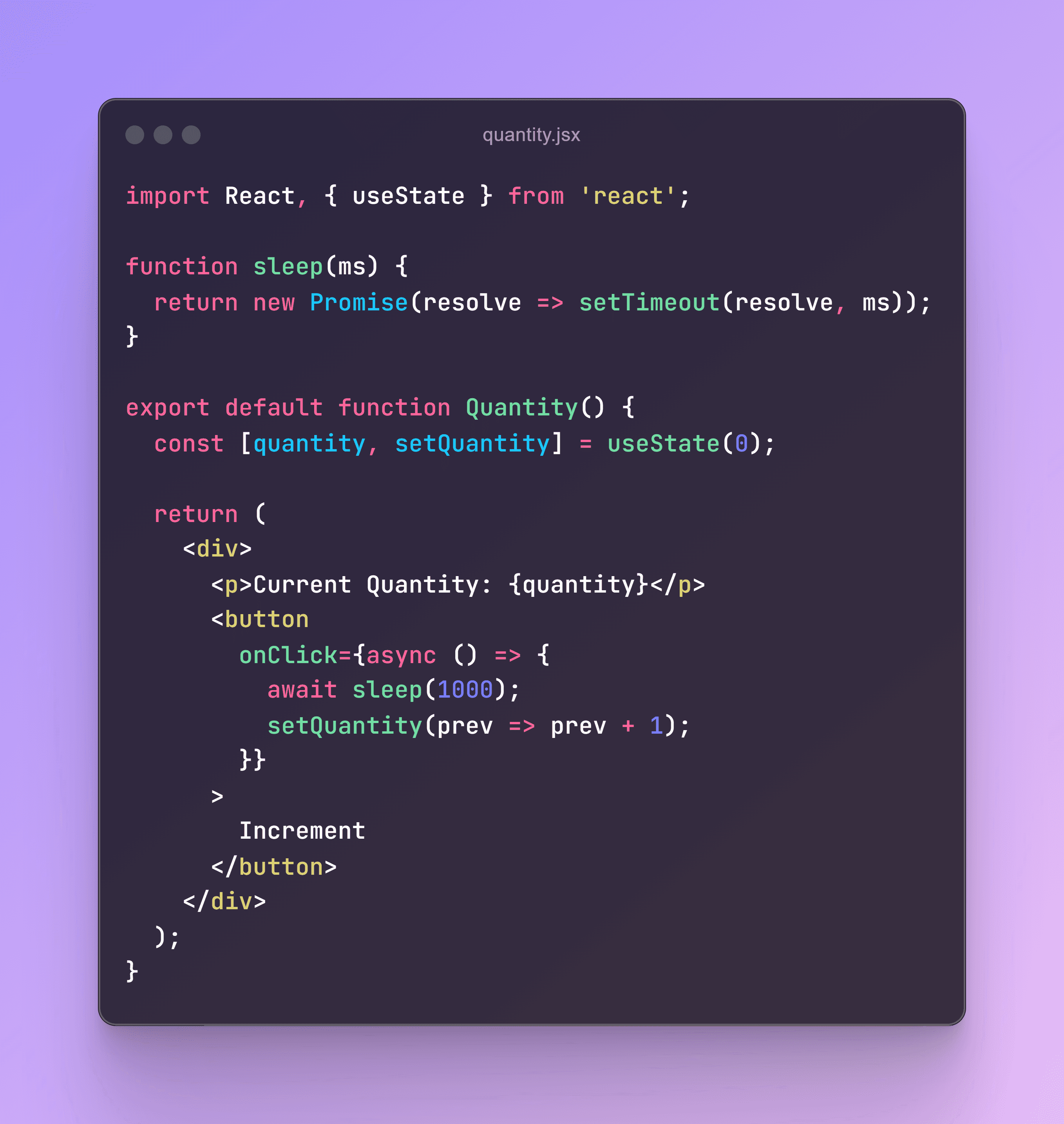
The solution to this issue here is pretty simple, use the functional update form of setState where you pass a function to setCount. This ensures that the updates are based on the latest value of count.